Can your phone handle the job, or do you need a photographer? Start with the photos you need and the time you have. A phone can make useful menu and social images in good conditions. A planned shoot adds consistency, lighting control and someone responsible for the finished set.
Start with the phone you already have
A recent phone can produce clear food photos in good light. Before replacing the camera, try changing the light, framing and setup with the steps below.
Shoot in window light, never flash
This is the single biggest lever. Move the plate to within a metre or so of a window and turn the overhead lights off. Soft, indirect daylight wraps around the food and makes textures read properly. The on-camera flash flattens everything and throws a harsh hotspot across the glaze on a doughnut or the crema on a flat white. If your West End cafe gets hard morning sun straight through the glass, soften it with a sheer curtain or a sheet of baking paper taped to the window. Direct sun is too contrasty.
Use the right angle for the dish
Two angles cover almost everything. Shoot at roughly 45 degrees for food with height and layers, like a burger, a stacked brekkie, or a coffee in a cup. Shoot straight down for flatlays, like a spread of share plates, a pizza, or a table of pastries. Pick the angle based on what the dish is trying to show off. A tall matcha latte wants 45 degrees so you see the layers. A bowl of pasta often reads better from above.
A few more iPhone food photography tips for cafes
- Wipe the lens. Sounds obvious. A smudged lens from being in your apron pocket all shift kills sharpness, and you will not notice on the small screen.
- Use Portrait mode sparingly. It can look nice on a single hero item, but the fake background blur often smears the edges of a plate or cuts off a fork awkwardly. For most food, a normal photo with good light beats a Portrait shot with artefacts.
- Style the plate before you shoot. Wipe drips off the rim. Turn the garnish to face the camera. Add a fork, a napkin, or a second coffee so the frame feels lived in. Thirty seconds of tidying changes the whole photo.
- Shoot way more than you need. Take fifteen frames of the one dish, moving the angle and the props slightly each time. You will keep one or two. Pros do not nail it in one shot either, they just shoot a lot and cull hard.
- Set focus and exposure. Tap the food on screen, then drag the little sun slider down a touch so highlights do not blow out. Keep detail in bright areas without making the food look darker than it is.
Try the same dish before and after these adjustments. Compare colour, sharpness and framing at the size you plan to publish. If the photo clearly shows the food and fits the placement, you may already have what you need.
Where DIY hits a wall for an actual venue
The next question is practical. The iPhone gap is not really about image quality on a single photo. It is about doing this consistently, at volume, across a full menu, every week, while also running a cafe. That is a different problem.
Consistency across a whole menu
One nice photo is easy. Forty photos that look like they belong to the same brand is hard. When you shoot dishes over different shifts, in different light, with different phones and different staff, your online menu turns into a patchwork. Some shots warm, some cold, some bright, some murky. Set a reference shot for colour, distance and framing so your next session can match the last.
Volume and the hidden cost of your own time
For twenty menu items, allow for preparation, styling, shooting, selection and editing. The time depends on the dishes and setup; try a small batch first to see what you can sustain. Your time as the owner is not free. If you value an afternoon of your labour at even modest hospitality rates, the “free” phone shoot is not free. It is just paid in hours you did not bill.
Photos that have to hold up beyond Instagram
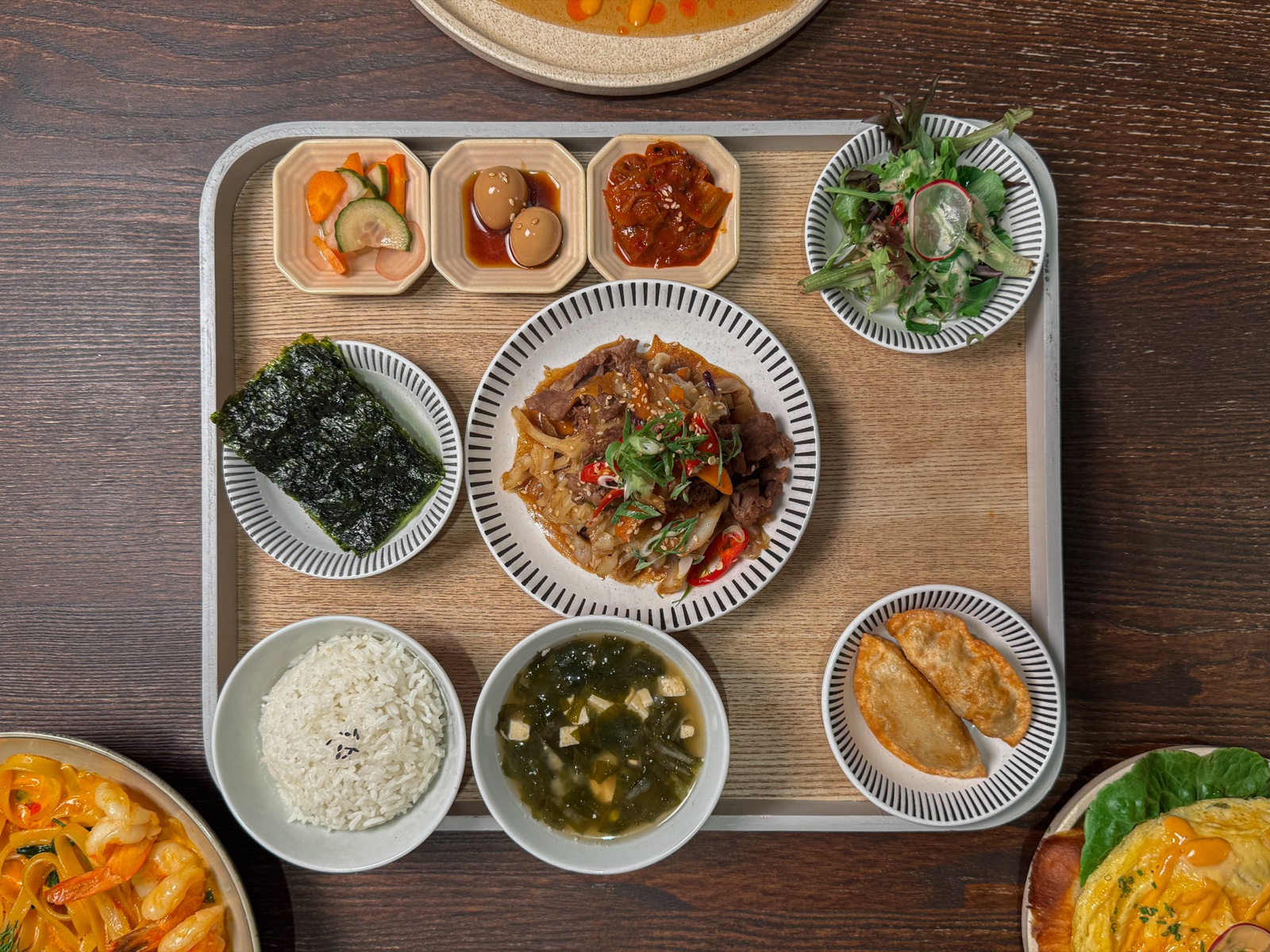
Check your photos at their intended size: a wide website banner, a square social post or a small delivery thumbnail. Leave room for the required crop and check that the dish stays clear. Neither Google nor a delivery menu automatically requires a professional camera; the useful question is whether your images are accurate, consistent and suitable for that placement.
How to compare the time and cost
For a paid shoot, compare dish count, finished images, preparation, usage rights and turnaround. Prices for different scopes are not directly comparable. The guide to comparing a photography quote gives you a brief you can use before booking.
For DIY, count your time as well as equipment costs. For a photographer, ask for a complete quote and relevant samples. Choose the option that meets your quality and workload needs within your budget; a shoot cannot promise a particular number of orders.
A simple way to decide
- Stay on the phone if: you mostly need social content, you can shoot in good light, and you have the time and patience to shoot and edit consistently.
- Bring in a photographer if: you need a full menu shot to match, the photos feed Google or Uber Eats, you are rebranding or launching, or you simply do not have the hours and the phone results are not landing.
Plenty of venues do both, and that is the sensible middle. Phone for the daily specials and behind-the-counter moments, professional photos for the menu and the listings that bring people in the door.
At FLAVA, Pro Stills covers fifteen retouched mirrorless photos for a planned asset refresh. The Rhythm covers ongoing reels and feed posts when regular production is the bigger problem. If you want help choosing a first step, the free Palate Check reviews your existing pages and photos with no booking required.
Either way, start with the window light and the 45 degree angle this week. You will see the difference in your next shot, and that costs you nothing.