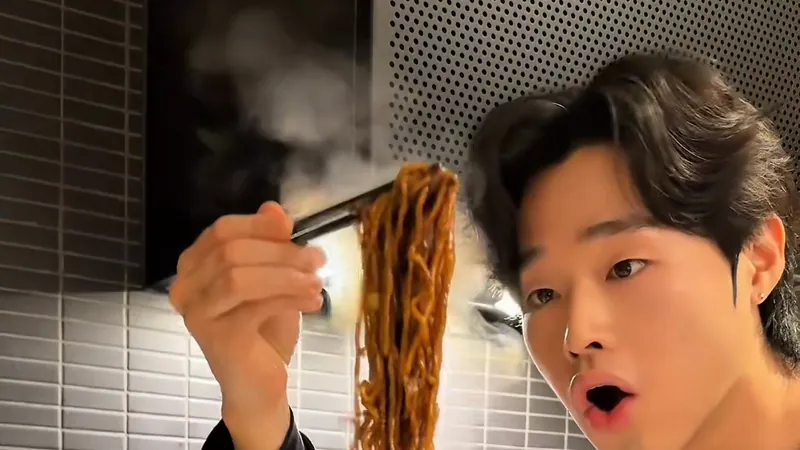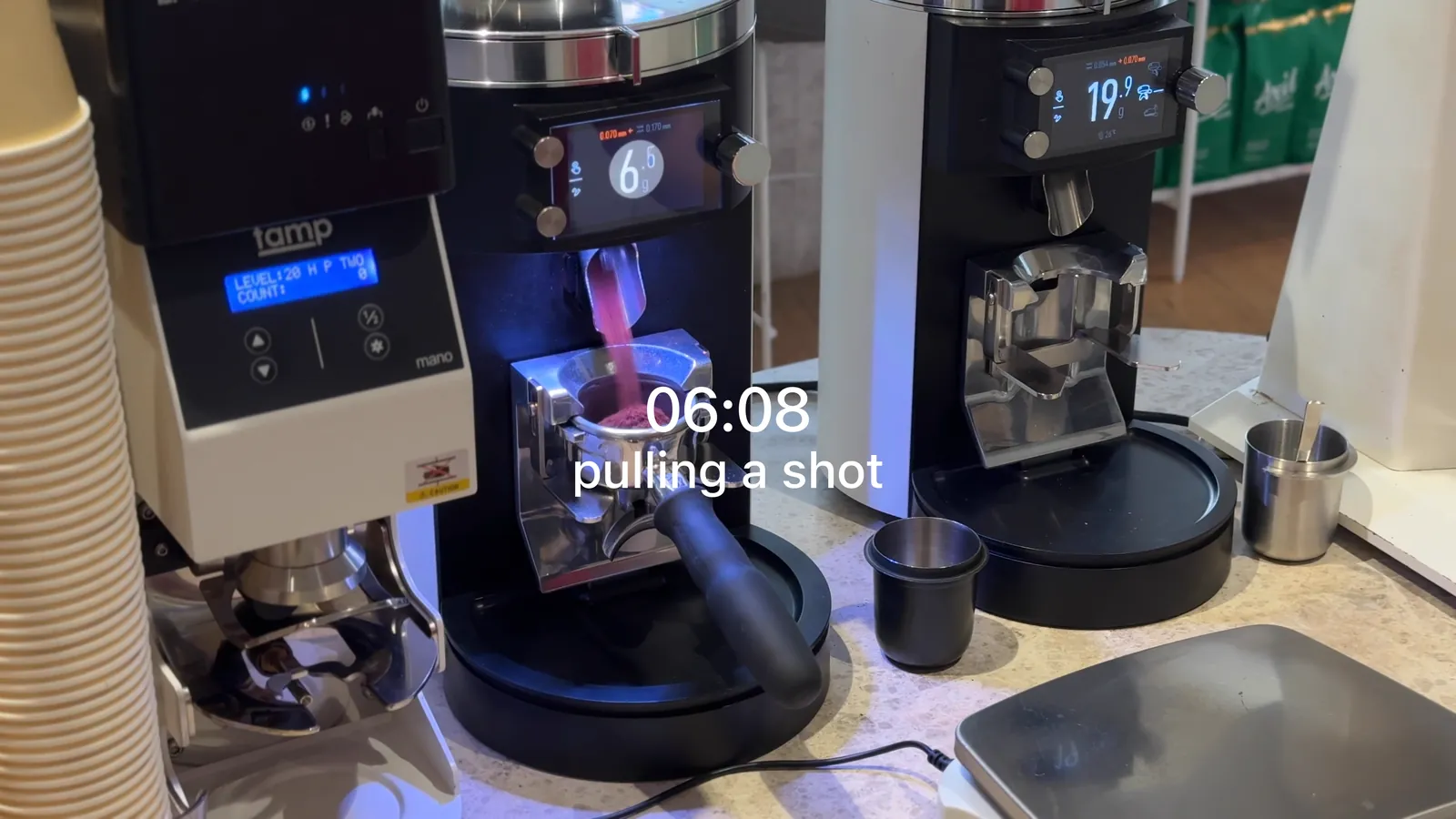
The slide at the top of this page says “06:08, pulling a shot” in plain white, with no shadow and no outline. That’s how I caption my work. I use the font that’s already in the app, I leave the shadow off, and the outline is either off or so thin you barely see it. Below are real frames from my work and one mock-up, so you can compare.
Should reel captions have a shadow or an outline?
No shadow. The outline is off, or thin enough that you barely notice it. A drop shadow and a heavy stroke are among the first things that make a video look like it came out of a template or an AI tool.
A lot of caption guides do the opposite: heavy white type, a thick black outline, often a shadow, sometimes one word picked out in yellow. To me, even the standard outline you get when you first switch the effect on is already too much. For the text to look refined, the outline should be close to invisible, or medium at the very most.
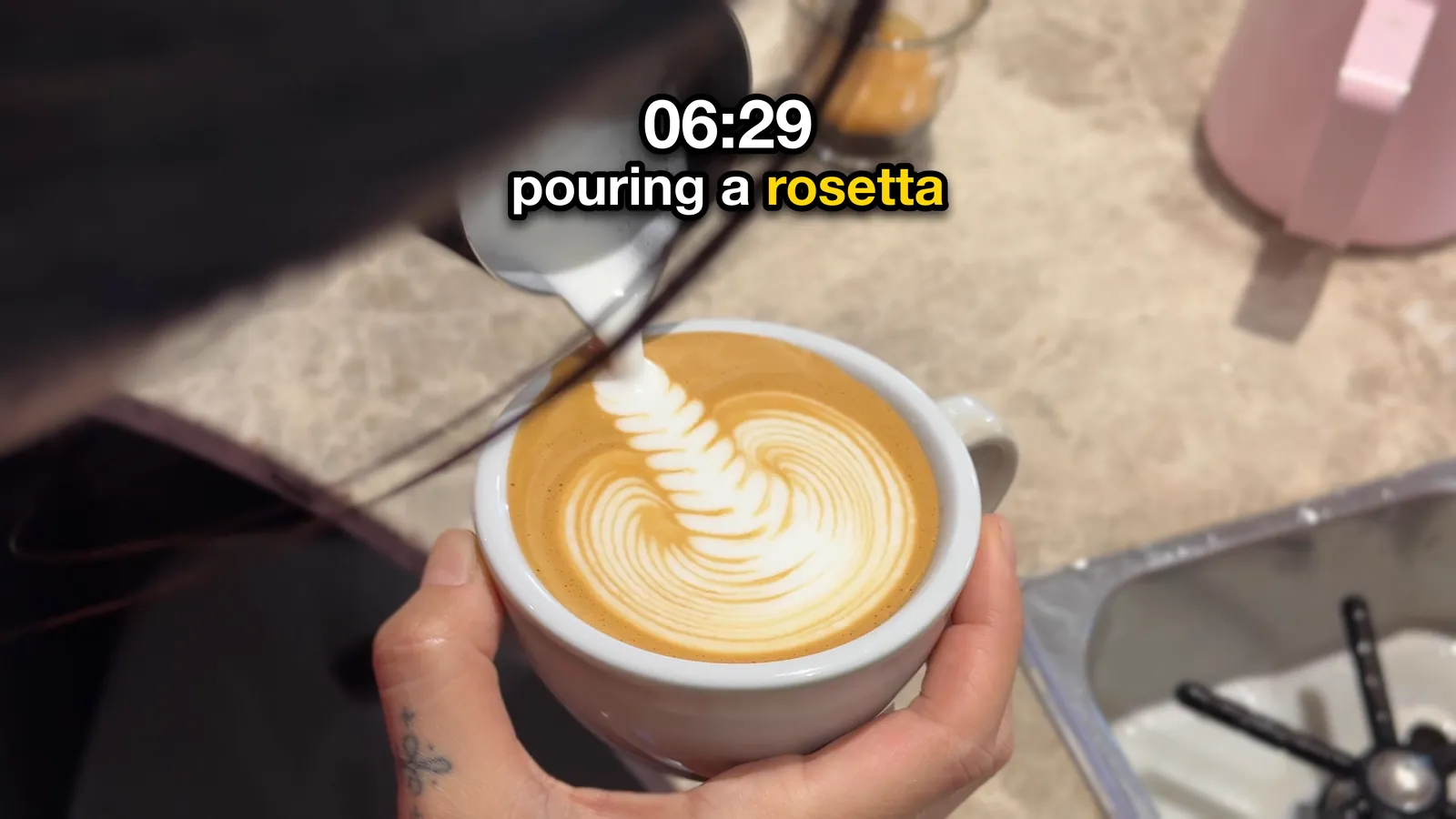
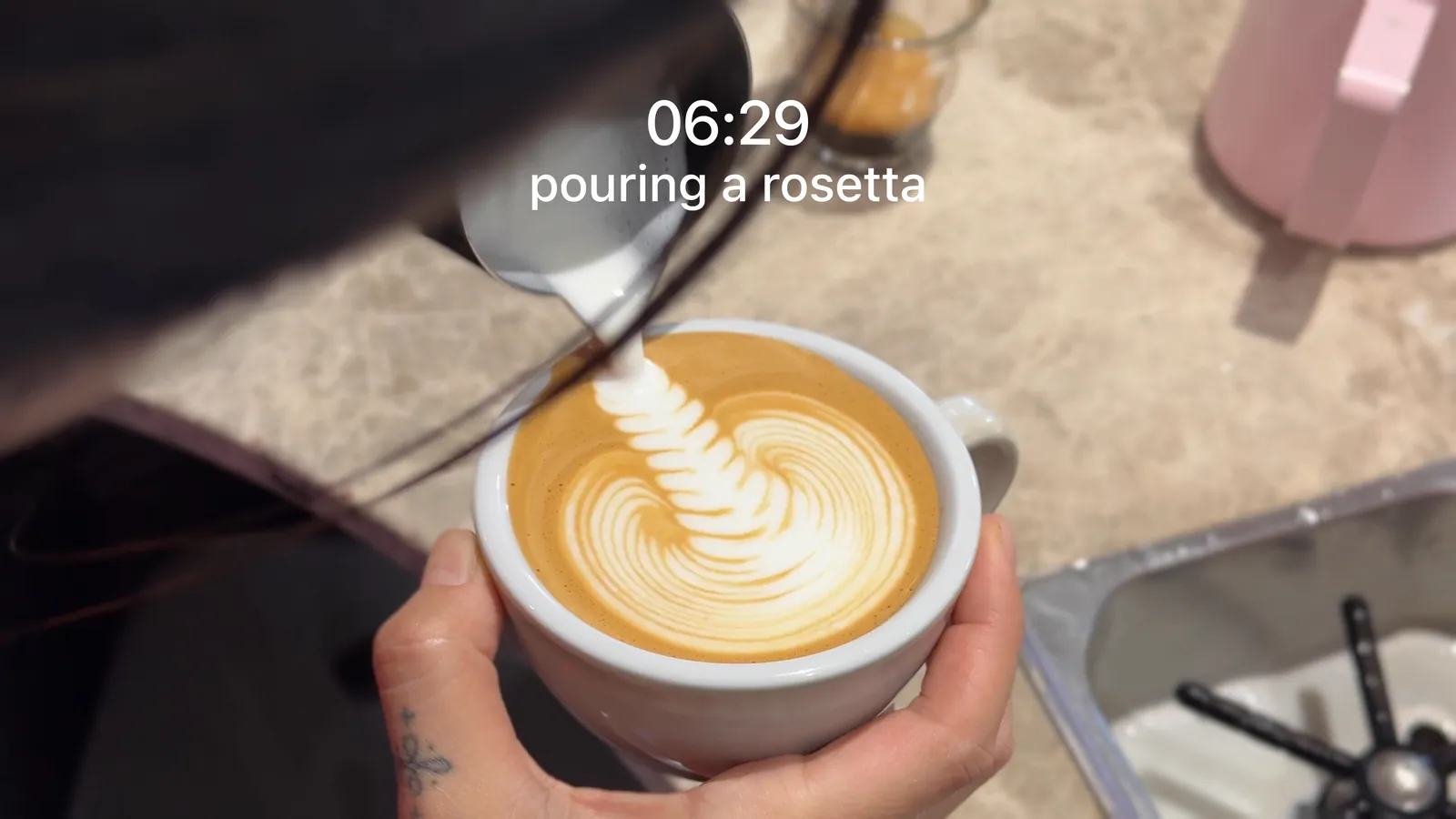
The Art, the most played reel in my FAVE work, uses plain white labels with no shadow or outline.
What font should I use for reel captions?
The one already in the app. For FAVE I use Instagram’s Edits app, with the Classic font or one of the other fonts built into Edits, and no shadow or outline. For my own videos it’s mostly CapCut’s default font with a thin outline.
I set that outline by eye against the background: as thin as it can go while the words still read, and thicker only when the background really fights the text. The best-looking ones, to my eye, are usually the plainest: the default font with no effects at all.
How much text should go on a short reel?
One sentence. One line if I can, two at most. On a client promo, an end card with the shop name and address closes it. The full menu name belongs in the post caption, not on the video.
Put three lines on a short reel and it starts to look like film credits or a beer ad. When a draft feels heavy, I take a line out rather than shorten the time it stays on screen.
Each account has its own style. FAVE is plain white type, usually lowercase, a big line paired with a small one. On a day-in-the-life post, that becomes a time with a short note under it. Promos on a client’s own account are one line in capitals that stays on screen until the end card. The end card is the shop name with the address under it, the name only a touch bigger than the hook, not blown up like a logo.
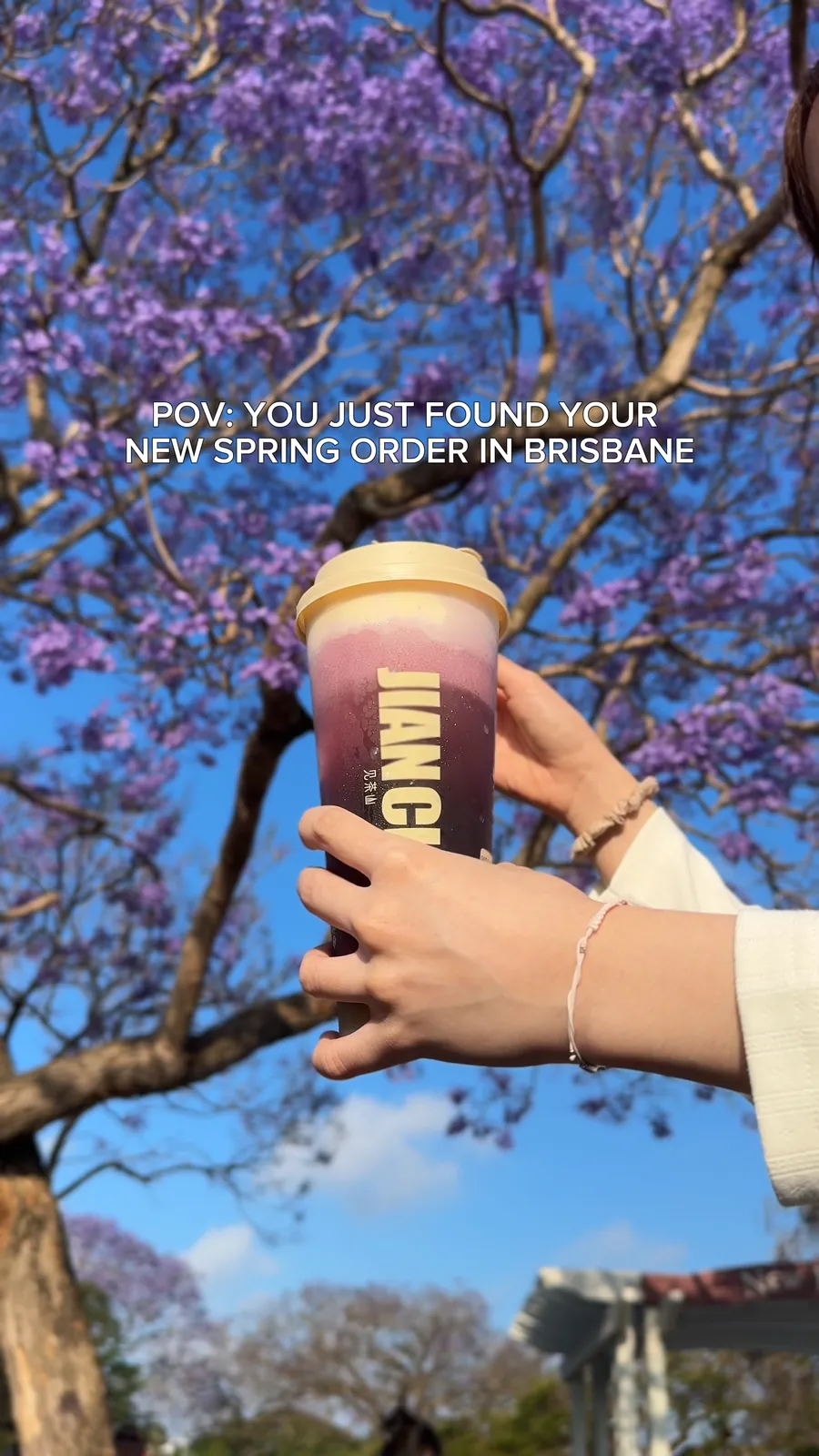
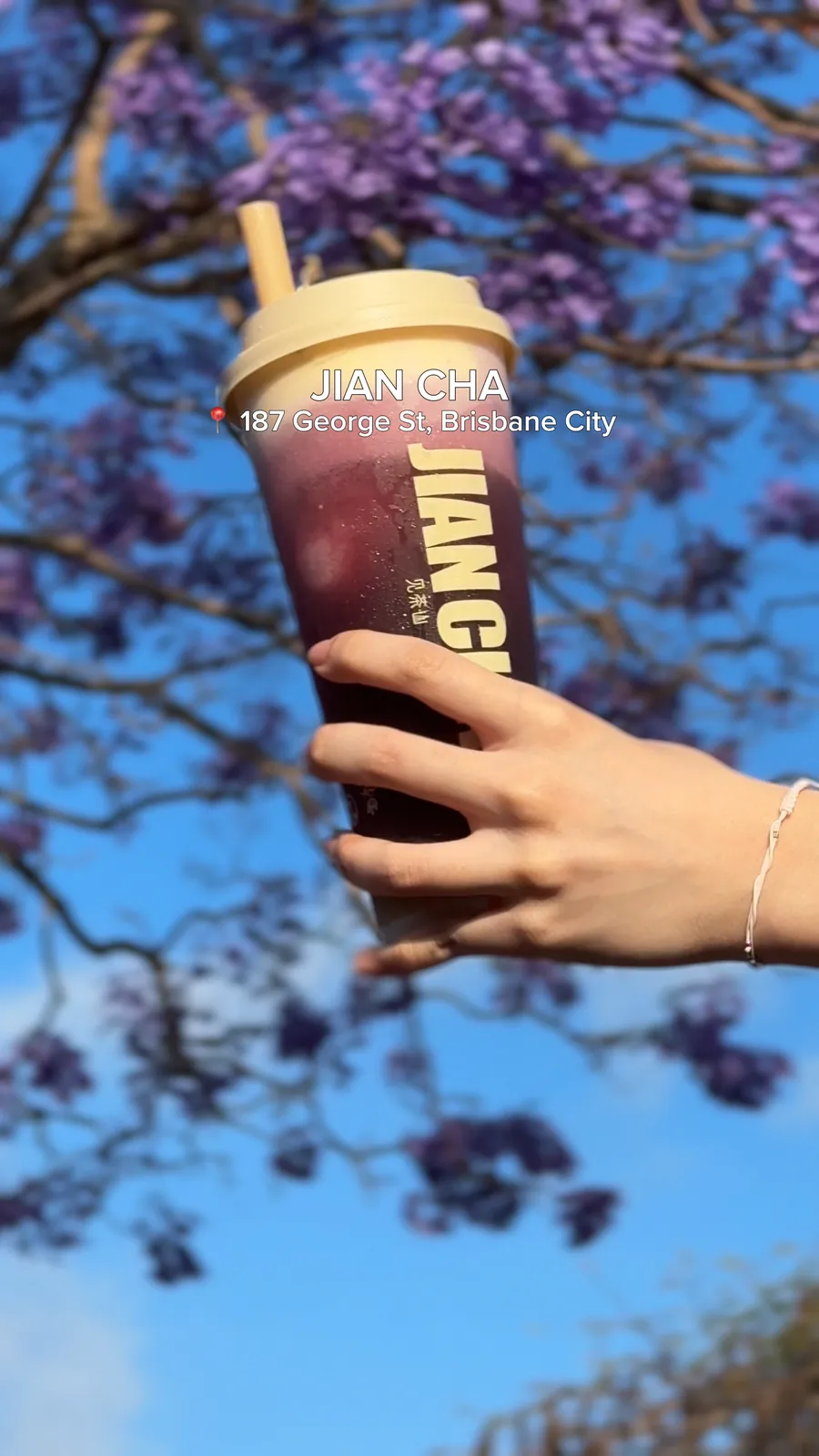
Should captions pop up word by word?
Not the main line. It’s on screen from the first frame until the end card, so it already reads the moment someone lands on the reel. I don’t animate it in late.
Spoken subtitles are a separate job. When I talk on camera on my own account, the words I say come up one at a time, in the same white. No word switches colour to grab attention.
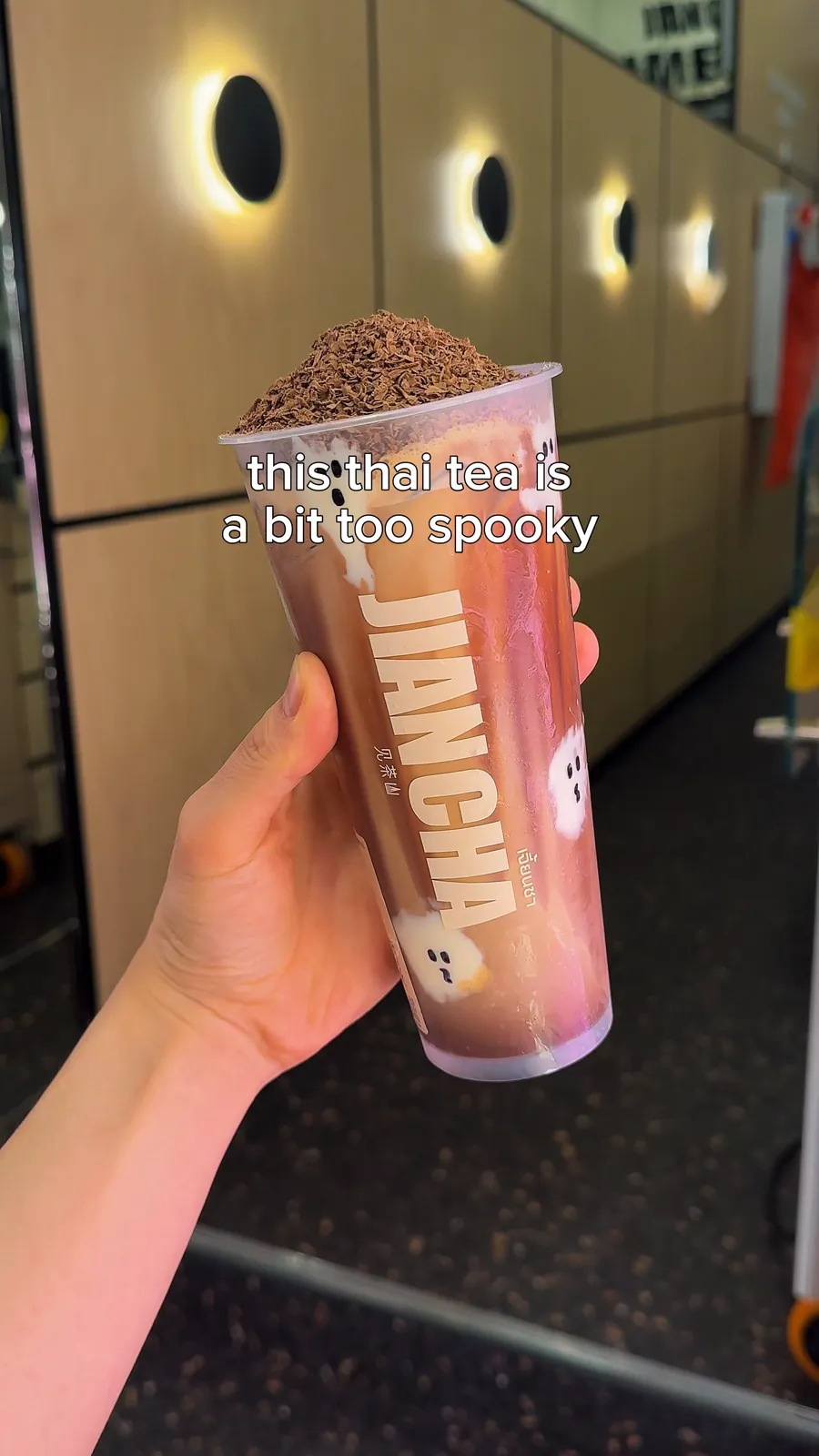
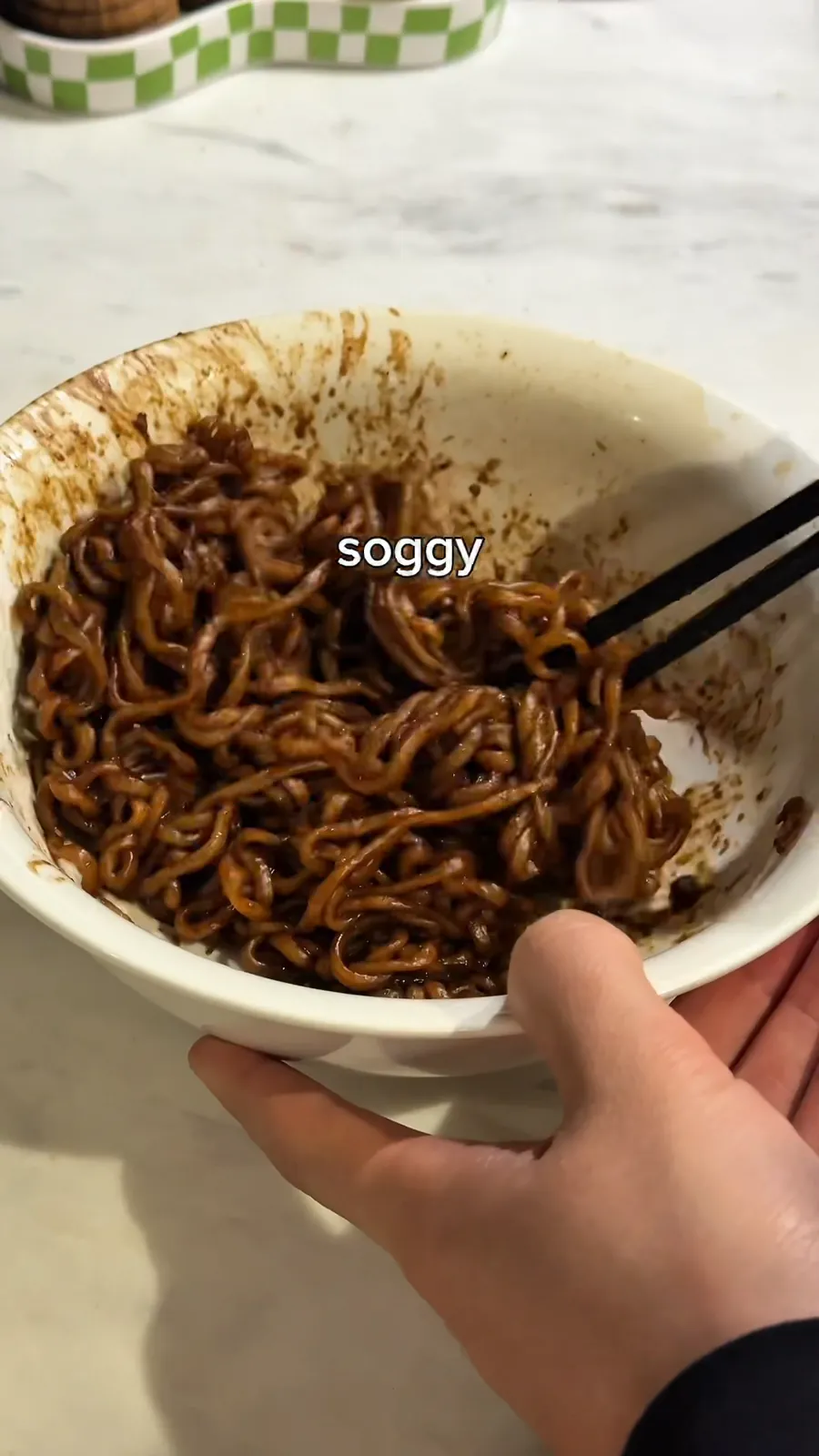
Where should text go on a reel?
Where the background is quiet, away from the subject, never over a face, and clear of the strips Instagram covers with its buttons and caption. Moving the line comes before thickening the outline.
Because the line stays on screen until the end card, check it against everything that passes behind it, not just the first frame. On FAVE’s opening carousel, the text on the last slide sat over a white cup and read weaker than on the other slides. In the end, I decide where the text sits by eye, on a phone, not by a rule.
What makes a reel look AI-made?
For me the giveaways come in a cluster: a shadow or heavy outline on the text, a template layout, a caption so plain it could sit under any cafe’s post, and staging that’s too wholesome. In the writing it’s em dashes, explicit asks like “it would mean a lot” and emojis like 🤝 and ✨.
The same goes for the edit. I don’t punch in or crop to fake energy. I keep the original clips at their own framing and let the order of the cuts do the work.
The text is only part of the opening. What the opening should show is in the first 3 seconds of a food reel, and how I caption a day in time order is in the timestamp note. If you’d rather hand the whole reel over, that’s the Single Reel on the services page.